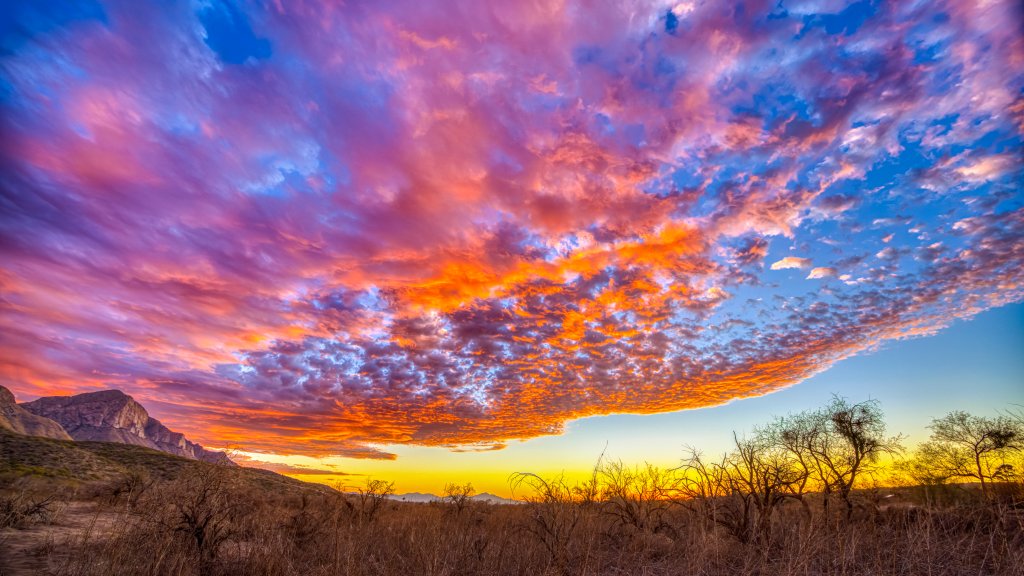
Catalina Mountains, Coronado National Forest, Arizona
Sign in to add this photo to your favorites and desktop wallpaper rotation.
The Catalina Mountains, also known as the Santa Catalina Mountains, are a prominent mountain range located in the Coronado National Forest, just north of Tucson, Arizona. These mountains are a significant natural landmark in the region and are part of the Madrean Sky Islands, which are isolated mountain ranges surrounded by desert lowlands. The highest peak in the Catalina Mountains is Mount Lemmon, which rises to an elevation of approximately 9,157 feet (2,791 meters). Mount Lemmon is a popular destination for outdoor enthusiasts, offering a range of recreational activities such as hiking, camping, rock climbing, and bird watching. In the winter, the mountain is home to the southernmost ski area in the United States, the Mount Lemmon Ski Valley. The Catalina Mountains are known for their diverse ecosystems, which range from desert scrub at the lower elevations to pine forests at higher altitudes. This variety of habitats supports a wide array of plant and animal species, making the area a rich spot for biodiversity. The Catalina Highway, also known as the General Hitchcock Highway or Mount Lemmon Scenic Byway, is a scenic drive that winds its way up the mountains, providing stunning views and access to various trailheads and picnic areas. The drive is particularly popular in the summer months when Tucson residents seek cooler temperatures at higher elevations. The mountains are also culturally significant, with a history that includes Native American use and later exploration and development by European settlers. Today, the Catalina Mountains continue to be a cherished natural resource for both locals and visitors to the Tucson area.