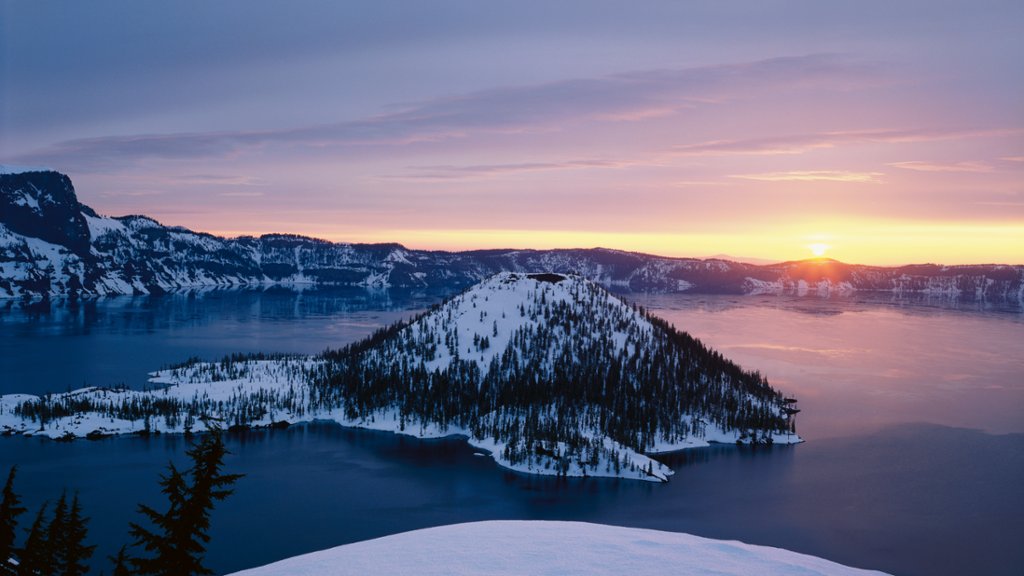
Crater Lake National Park, Oregon
Sign in to add this photo to your favorites and desktop wallpaper rotation.
Crater Lake National Park is located in southern Oregon and is known for its stunningly blue and pristine lake, which is the deepest in the United States and the seventh deepest in the world. The lake was formed over 7,700 years ago when Mount Mazama erupted, causing the mountain to collapse and leaving behind a caldera that eventually filled with water. The park encompasses over 183,000 acres of diverse ecosystems, including old-growth forests, meadows, and rugged cliffs. Visitors can enjoy a variety of outdoor activities such as hiking, camping, fishing, and boating. There are over 90 miles of hiking trails in the park, ranging from easy strolls to challenging climbs. One of the most popular activities at Crater Lake National Park is driving the 33-mile Rim Drive, which offers breathtaking views of the lake and surrounding landscapes. There are also several overlooks and viewpoints along the drive where visitors can stop and take in the beauty of the area. In addition to the natural beauty of the lake, the park is also home to a diverse array of wildlife, including black bears, elk, and bald eagles. The park is open year-round, although winter conditions can make some areas inaccessible. Overall, Crater Lake National Park is a must-visit destination for nature lovers and outdoor enthusiasts looking to experience the beauty of the Pacific Northwest.