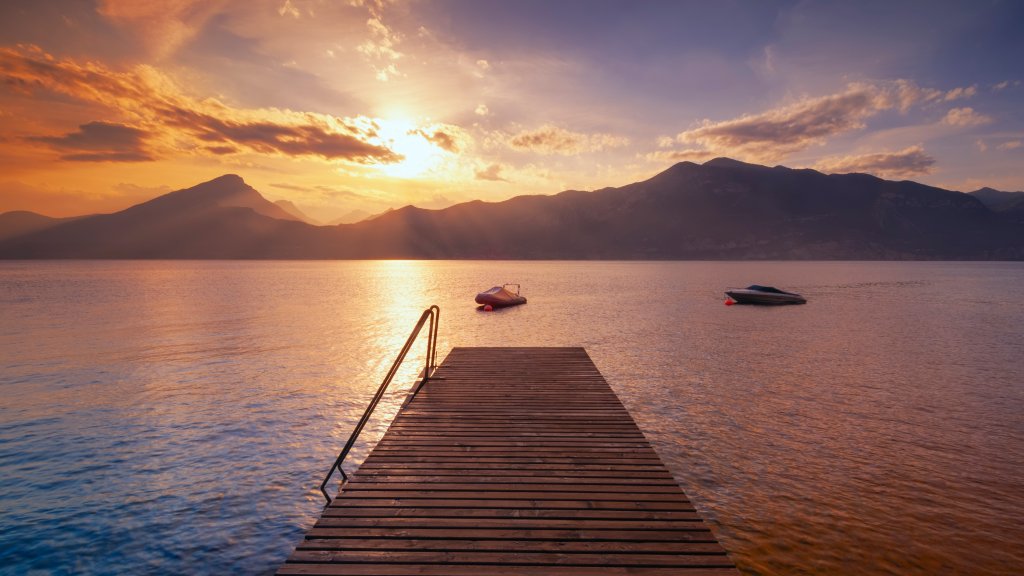
Lake Garda, Italy
Sign in to add this photo to your favorites and desktop wallpaper rotation.
Lake Garda is the largest lake in Italy, located in the northern part of the country between the provinces of Verona, Brescia, and Trentino. It is a popular tourist destination known for its stunning scenery, charming towns, and outdoor recreational activities. The lake is surrounded by picturesque villages and towns, such as Sirmione, Malcesine, and Garda, each offering a unique blend of history, culture, and natural beauty. Visitors can explore ancient castles, churches, and museums, or simply relax by the water and enjoy the views. Lake Garda is also a paradise for outdoor enthusiasts, with opportunities for hiking, biking, water sports, and sailing. The surrounding mountains provide a stunning backdrop for outdoor adventures, and the mild climate makes it a popular destination year-round. In addition to its natural beauty, Lake Garda is also known for its delicious cuisine, with fresh seafood, olive oil, and wine being popular local specialties. Visitors can enjoy traditional Italian dishes at the many restaurants and cafes that line the shores of the lake. Overall, Lake Garda offers a perfect blend of relaxation, adventure, and culture, making it a must-visit destination for anyone traveling to Italy.