Nottingham, UK
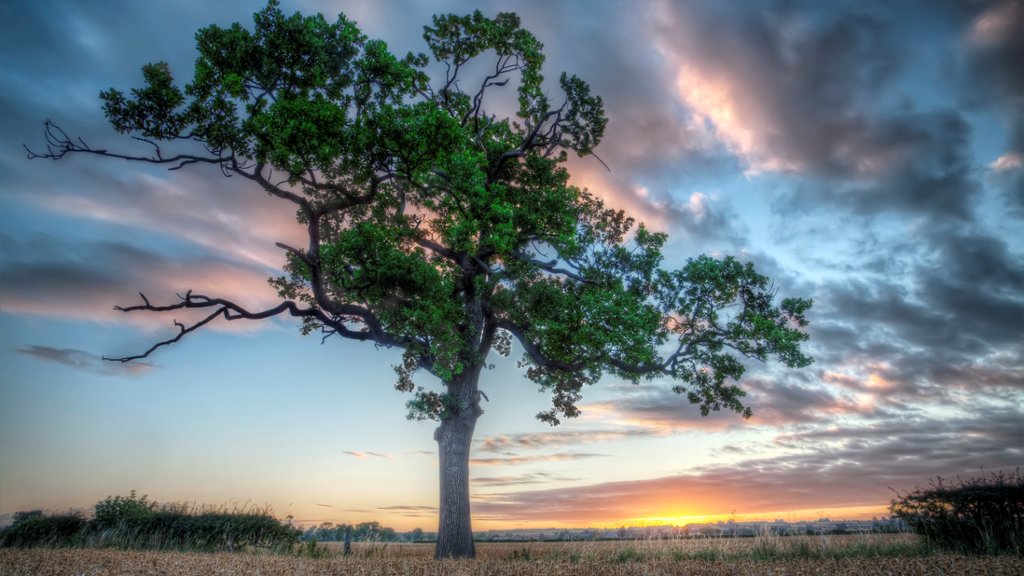
Sign in to add this photo to your favorites and desktop wallpaper rotation.
Nottingham is a city located in the East Midlands region of England. It is known for its rich history, vibrant culture, and beautiful architecture. Some notable landmarks in Nottingham include Nottingham Castle, which offers stunning views of the city and houses a museum and art gallery; the Lace Market, a historic area known for its lace-making heritage and well-preserved Victorian buildings; and the Old Market Square, which is one of the largest public squares in the UK and hosts events and markets throughout the year. Nottingham is also famous for its connections to the legend of Robin Hood, with many sites around the city linked to the mythical outlaw. The city has a thriving arts and music scene, with a number of theaters, galleries, and music venues showcasing local talent and international acts. In terms of education, Nottingham is home to two universities, the University of Nottingham and Nottingham Trent University, which attract students from around the world. The city also has a diverse culinary scene, with a range of restaurants, cafes, and bars offering a variety of cuisines. Overall, Nottingham is a vibrant and dynamic city with a mix of historic charm and modern amenities, making it a popular destination for tourists and residents alike.