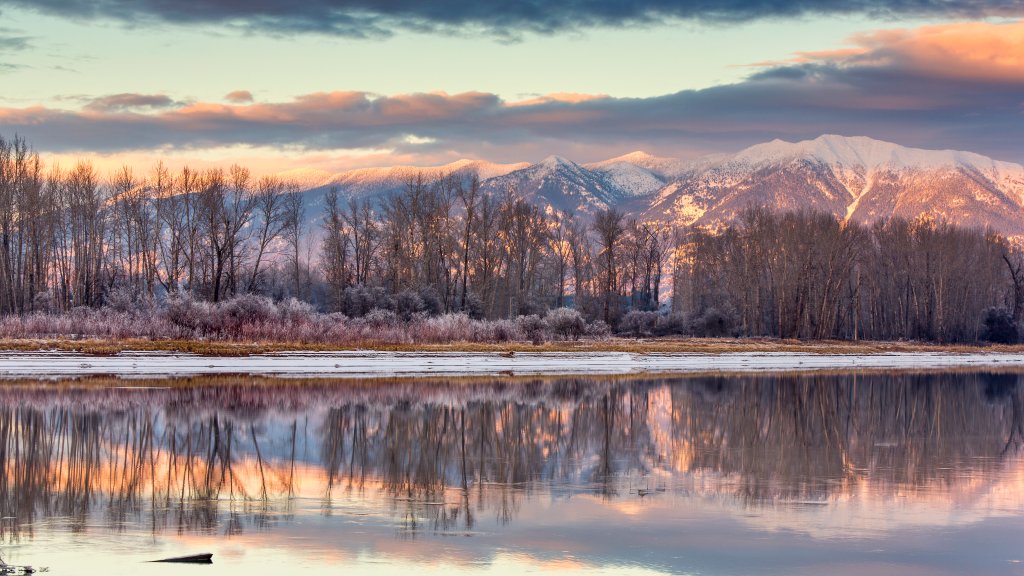
Swan Mountains, Flathead River, Kalispell, Montana
Sign in to add this photo to your favorites and desktop wallpaper rotation.
The Swan Mountains are a prominent mountain range located in northwestern Montana, forming part of the Rocky Mountains. They stretch approximately 100 miles from the southern end of Flathead Lake to the Bob Marshall Wilderness Area. Known for their stunning natural beauty, the Swan Mountains offer a variety of outdoor recreational opportunities, including hiking, camping, fishing, and wildlife viewing. The range is characterized by rugged peaks, dense forests, and pristine alpine lakes. The Flathead River is a major river system in Montana, flowing through the northwestern part of the state. It originates in the Canadian Rockies and travels southward, eventually emptying into Flathead Lake, one of the largest natural freshwater lakes in the western United States. The river is divided into three main forks: the North Fork, Middle Fork, and South Fork, each offering unique landscapes and recreational activities such as rafting, fishing, and kayaking. The Flathead River is known for its clear waters and is home to a diverse array of fish species, including trout and whitefish. Kalispell is a city located in the Flathead Valley of northwestern Montana, serving as a gateway to the surrounding natural attractions, including Glacier National Park, the Swan Mountains, and Flathead Lake. As the largest city in the region, Kalispell is a hub for commerce, culture, and outdoor adventure. It offers a mix of small-town charm and modern amenities, with a historic downtown area, local shops, restaurants, and cultural institutions. The city's proximity to numerous outdoor destinations makes it a popular base for exploring the natural beauty of the area.